 Shopwatchr
Coming soon
Watch any product in one click
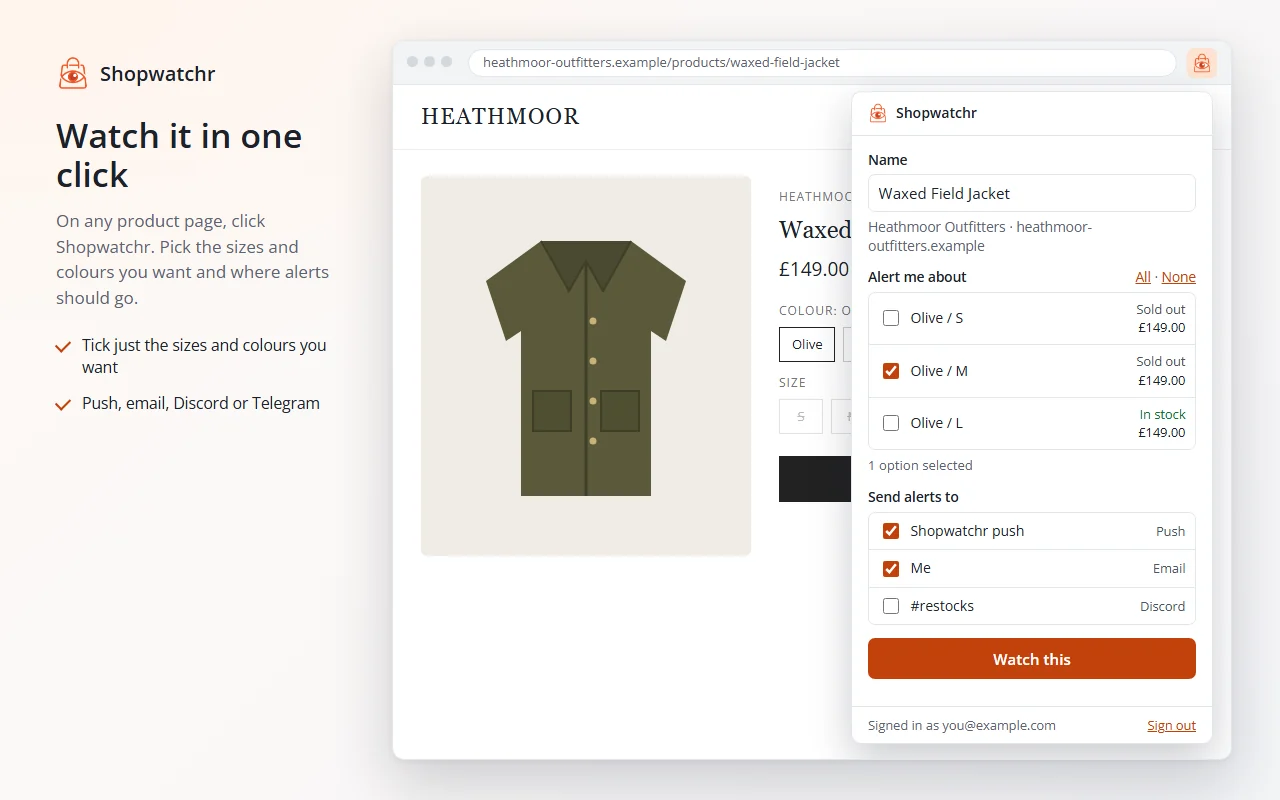
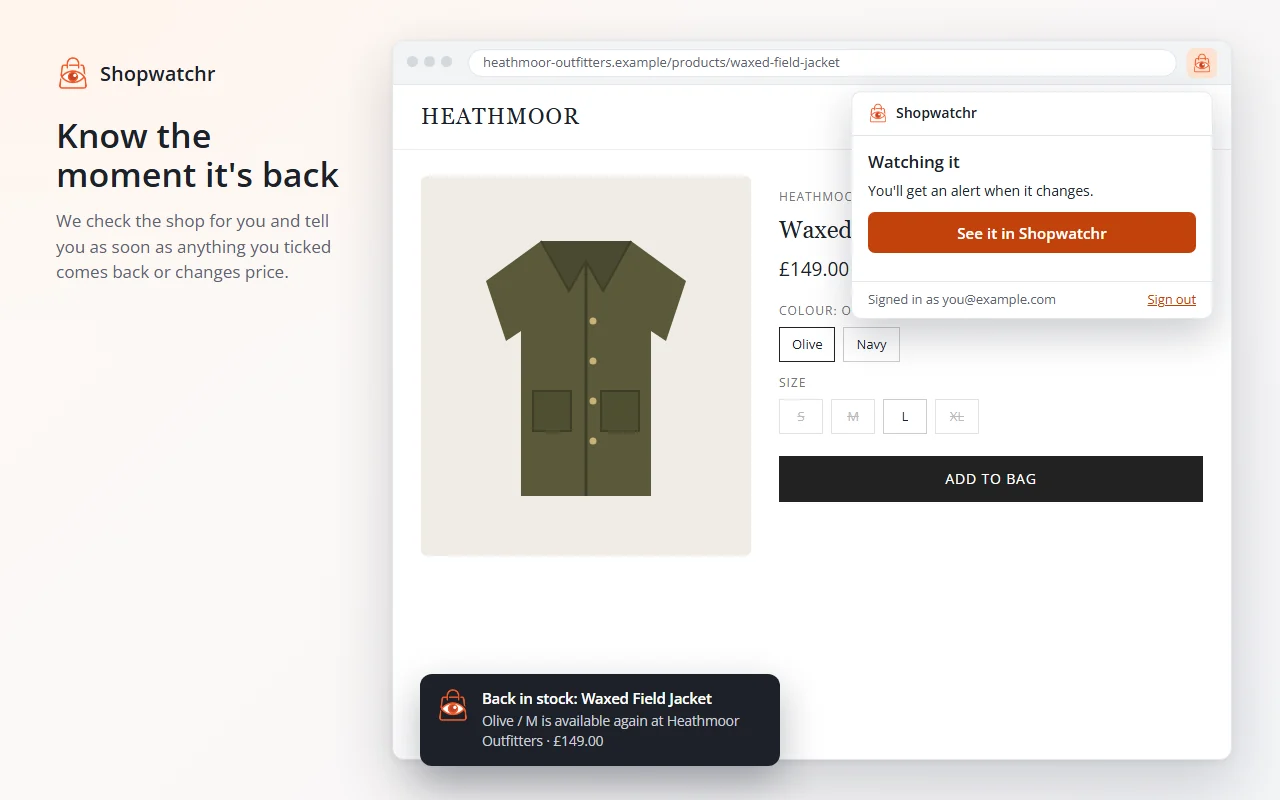
The Shopwatchr browser extension for Chrome and Edge. On a product page, click the Shopwatchr button, tick the sizes or colours you want, and we'll tell you the moment they're back in stock.
It's free and uses your Shopwatchr account, with the same plan limits as the website. Create a free account now and it'll be ready when the extension is.
Pictures show a made-up shop.
How it works
- Add it to your browser from the Chrome Web Store or Edge Add-ons, and pin the Shopwatchr button.
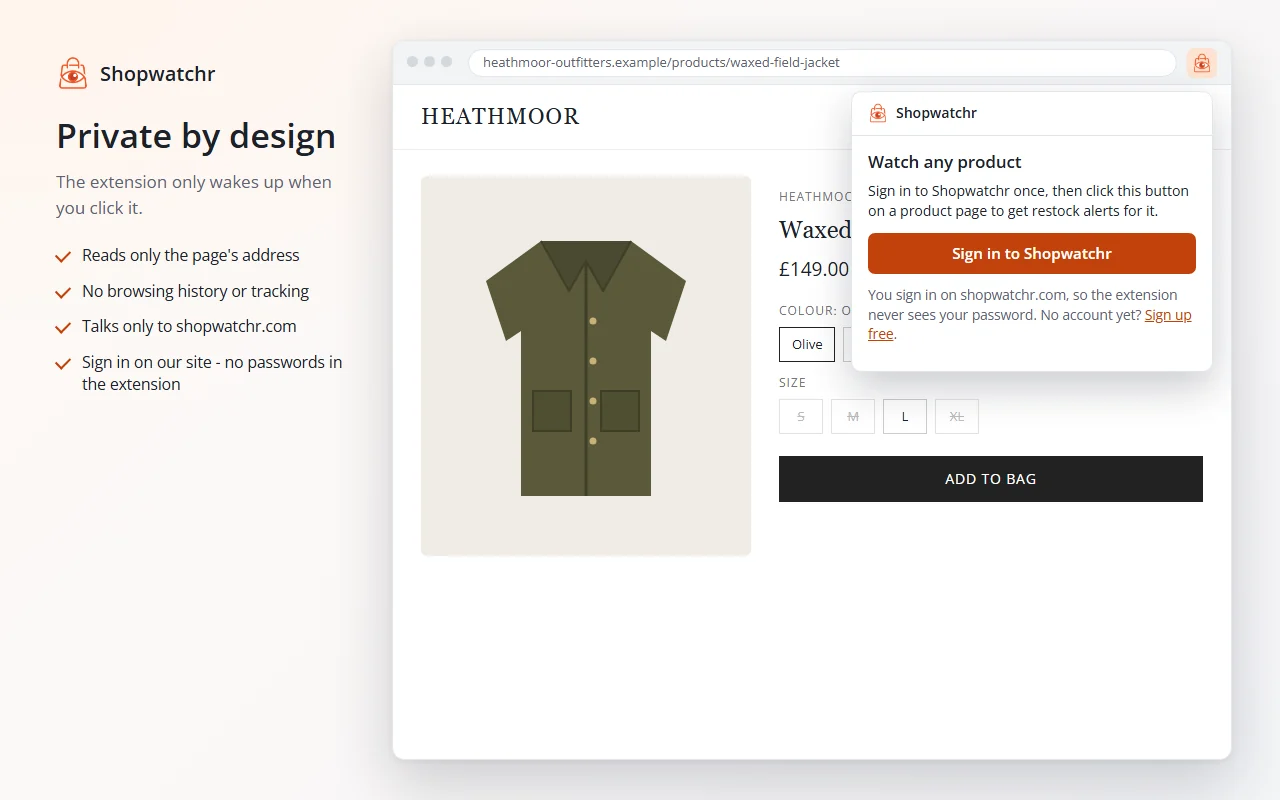
- Sign in once. A Shopwatchr window opens: sign in as usual and press Connect.
- Click it on any product page. Tick what you want and press Watch this. It appears in your dashboard straight away, and we check the shop for you from then on.
Your privacy, at a glance
- It only does anything when you click its button. Nothing runs in the background.
- It reads only the page's address, never the page itself: not your basket, forms or anything you type.
- No browsing history, no tracking, no analytics, no adverts.
- It only ever connects to shopwatchr.com.
- You sign in on our website, so the extension never sees your password.
- Sign out or disconnect it any time from your Account page.
Every detail, including exactly what's sent and how long we keep it, is in our privacy policy.
Questions
Which browsers does it work in?
Google Chrome and Microsoft Edge on Windows, Mac, Linux and ChromeOS. Other browsers built on Chrome, such as Brave and Opera, may work, but we only support Chrome and Edge for now.
Is it free?
Yes. It uses your Shopwatchr account, and the same plan applies: a Free account can watch 3 products, Pro 50. See pricing.
Can it see what I browse?
No. It can't see your tabs or the sites you visit, and it doesn't run in the background. Only when you click its button does it take one thing: the address of the page you're on. It removes tracking tags from that address before sending it to Shopwatchr.
Why does my browser say it can "read and change data" on shopwatchr.com?
That's how browsers describe letting an extension talk to a website. The only website it's allowed to talk to is Shopwatchr itself, so it can add the watch to your account. It has no access to any other site.
Is my password safe?
The extension never sees it. When you sign in, a Shopwatchr window opens and you sign in there, 2FA included. The extension then gets its own key that only works for adding watches. You can switch it off at any time.
Which shops does it work with?
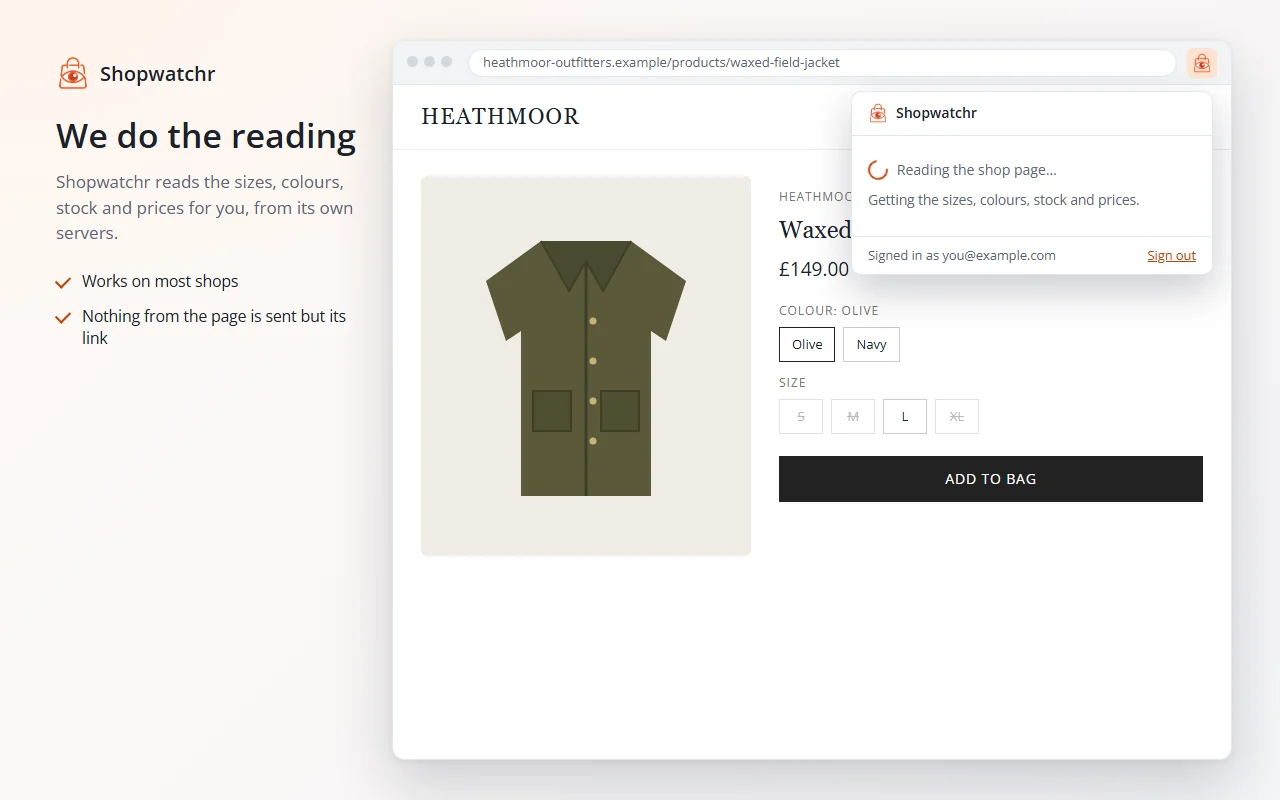
The same ones as the website: most shops work straight away, including big names and small independents. If a shop can't be read automatically you'll see an error code, the failure is recorded so we can look into it, and you can still watch the page with keywords on the website. More about supported shops.
Why do I have to tick the options myself?
So you only get alerts you actually want. The extension shows every size and colour with its stock and price, and nothing is ticked until you choose. Tick at least one (or press All) and Watch this becomes available.
How do I sign out or disconnect it?
Press Sign out at the bottom of the extension's window: it deletes everything it stored and disconnects. You can also disconnect any browser from Account > Connected browsers, even one you no longer have. Changing your password disconnects them all.
Does it slow my browser down?
No. It doesn't run on pages or in the background, so until you click it, it does nothing at all.
Is there one for my phone?
Phone browsers don't support extensions like this. On Android, add Shopwatchr to your home screen and use your phone's Share menu on any product page instead. Here's how.
When will it be ready?
Very soon. It's waiting for the Chrome Web Store and Edge Add-ons to check it. We'll announce it on What's new the moment it's live.